
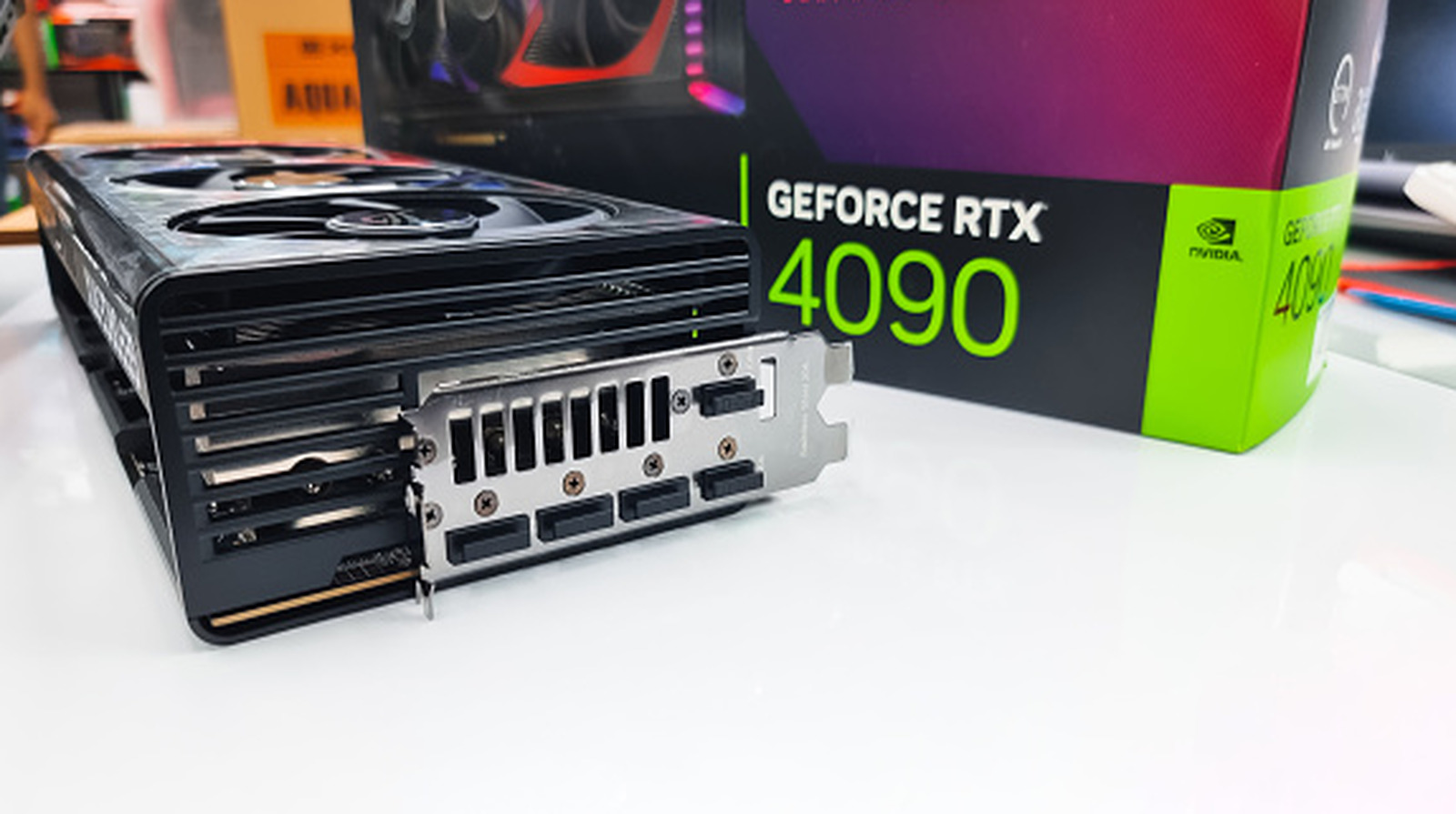
If you play a lot of video games on your PC, odds are you want to get the most out of your GPU. Unless your graphics card shows signs of failing or is horribly out of date, you likely don’t need to replace it. In fact, you can often squeeze out some extra performance if you install an update, but these aren’t strictly necessary.
GPUs are, at their core, powerful electronic components that perform highly specialized computational processes, specifically converting data into graphics. CPUs can perform these tasks, too, but GPUs are simply better at it. GPUs run off cores (small processors), and the more cores one has — and the more powerful those cores are — the more easily it can render high-fidelity graphics and effects without sacrificing framerates. Some GPUs even have specialized programs that let them produce unique effects. For instance, Nvidia RTX cards include the ability to render ray tracing, which realistically simulates how light splits and scatters off different objects and materials.
Out of the box, every GPU can (or should) carry out all the graphics rendering tasks it’s handed. The only difference between an updated graphics card and a non-updated one is efficiency. Unlike programs, updates for graphics cards usually only tell the hardware how to optimally render a game on your monitor. These “patches” are generally just focused on increasing your framerates. So long as the graphics card meets the processing speed requirements, it can still run a game, so graphics card updates are often optional. One exception is when a graphics card manufacturer releases a faulty update that causes crashes. If you installed this update, you should definitely download the subsequent hotfix when it becomes available. Security patches or major bug fixes would be other strong reasons for updating.
If it ain’t broke, don’t fix it
If you are experiencing graphical hiccups with a game or general computer use, many technicians recommend that you update your graphics card. Admittedly, new drivers can work wonders on issues such as flickering and choppy visuals. However, due to how GPUs interact with the rest of a computer, updates can easily introduce new issues.
As a general rule of thumb, if your graphics card is running just fine, don’t update it. Let’s say you own an Nvidia GPU. The company primarily releases updates as Game Ready Drivers that are designed to optimize performance for the latest game releases. If you own a title listed in a Game Ready Driver’s patch notes, you probably should update your Nvidia graphics card drivers. If not, you might want to keep it as is because, if a driver isn’t designed to optimize a specific game, installing the latest update probably won’t make it run more efficiently.
Since no two computer setups are the same, updates can have unforeseen effects on performance. Speaking from experience, I once downloaded an Nvidia GPU update that introduced a scary instability. Specifically, every time I turned on my laptop, it would boot up, restart, then boot up again before resuming normal functions. Every Game Ready Driver past a certain version triggered this problem, so I had to revert my GPU to that specific version for the sake of system stability. If you encounter something similar (or if an update breaks game capture software), you should downgrade your driver to a compatible version. The worst-case scenario would be that some games ask you to update your graphics card every time they boot up. As long as they still run, though, you can probably safely ignore the admittedly annoying warnings.